 Analysis by Gamescozy
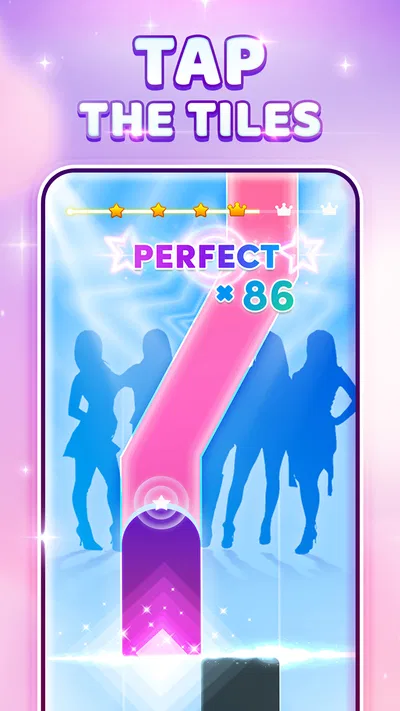
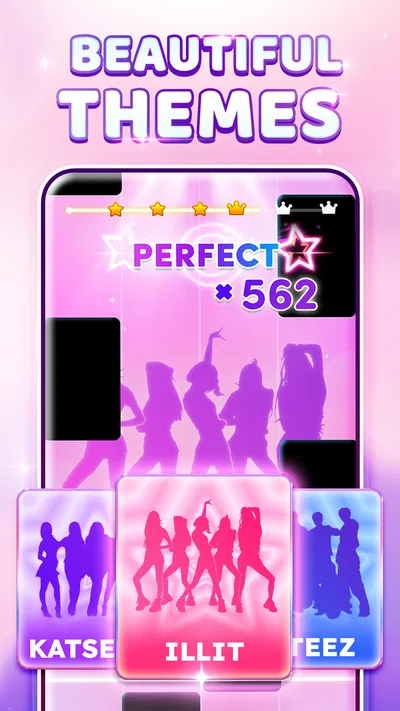
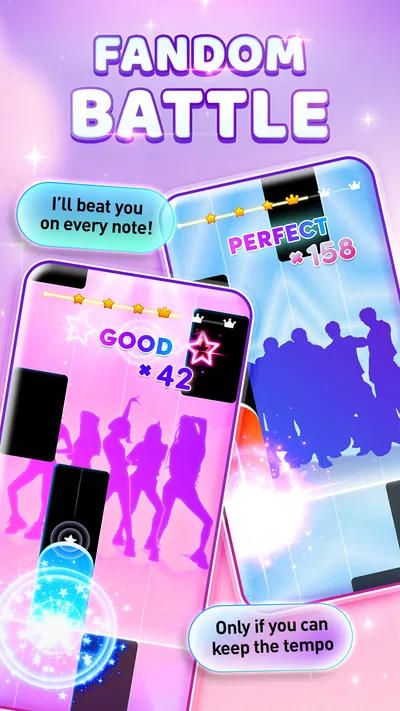
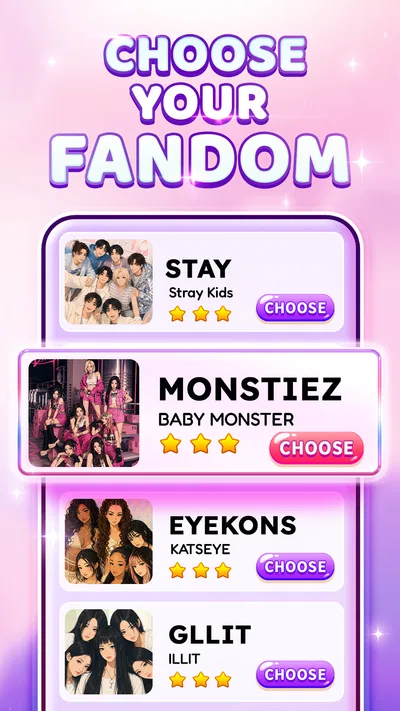
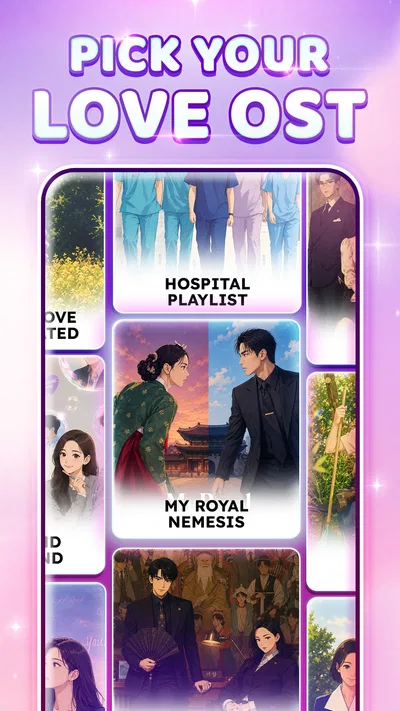
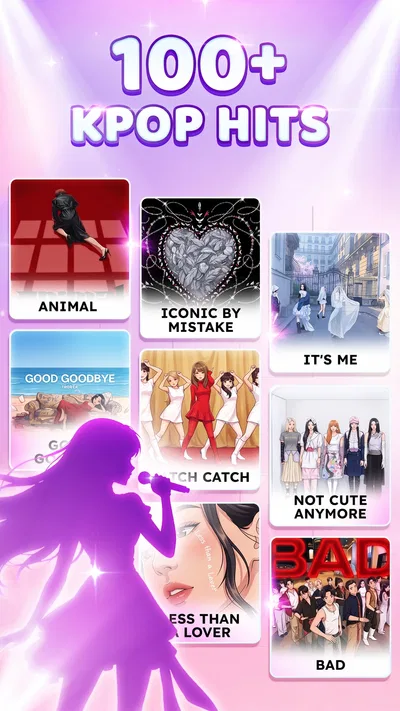
Kpop Piano Beats is a music game for people who want to tap along to K-pop rather than learn piano in a structured lesson. Its appeal is immediate: follow the rhythm, hit the tiles, and try to keep your attention on the song as it moves. I find that straightforward premise satisfying for a short break, though it helps to approach it as an arcade-style rhythm game, not a piano tutor or a full-featured music player.
Where the rhythm can trip you up
The first adjustment is getting your hands and ears to agree. A tile can look easy to tap, but the timing still takes focus; reacting to the beat rather than tapping as soon as a tile catches your eye is the useful habit to build. I would start with a song that feels familiar and concentrate on steady timing instead of chasing a high score immediately.
That distinction matters if you are new to rhythm games. Familiarity with a K-pop track may help you anticipate its phrasing, but it does not automatically make the taps effortless. The game asks for screen attention and quick responses, so it is less suited to playing while walking, watching another screen, or trying to hold a conversation.
Another common point of friction is expecting the game to teach musical technique. The piano-themed tiles and melodies make the experience feel musical, but tapping along is not the same as practicing fingering, reading sheet music, or learning an instrument. I would choose it for casual rhythm play and music-themed challenge, not as a substitute for piano lessons.
The game is free to download, with in-app purchases priced from $0.99 to $2.99 per item. That makes it easy to try without paying upfront, but I would treat optional purchases as a decision to make only after seeing whether the core tapping loop holds my interest. If you prefer a game with no in-app spending at all, that trade-off may make another option a better fit.
Before you settle in to play
Kpop Piano Beats is published by Sonata Studio: Piano Rhythm and is rated Everyone 10+. It runs on Android 7.0 or later, so checking your device’s operating system before installing is a simple first step. The current version is 5.10.0; if something behaves unexpectedly, checking whether the app is up to date is a sensible starting point rather than assuming the game itself is broken.
I also recommend choosing a comfortable way to hold the phone before starting a focused session. Rhythm play works best when the screen is steady and your tapping hand can move freely. If you are using a case that makes it awkward to reach the screen edges, adjusting your grip can be more helpful than repeatedly changing how you tap.
For a first run, keep the setup uncomplicated: close distractions, make sure the device has enough battery for the time you want to play, and test a short session before committing to a longer one. These are ordinary checks, not special requirements for this game, but they help separate a genuine gameplay issue from interruptions caused by the device or your surroundings.
Sound is part of the experience, so a quiet place or headphones can make it easier to follow the beat. At the same time, headphones are not essential if you can hear the device clearly and want to keep your surroundings audible. I would avoid turning the volume up simply to compensate for a noisy room; moving somewhere calmer is often the more comfortable fix.
Recovering a session without making it worse
If a run feels off, pause for a moment and identify what changed. Was the phone moved, did an alert pull your attention away, or did you lose the rhythm after a missed tap? Restarting immediately can turn a small distraction into a frustrating loop. I get more out of taking a breath, resetting my grip, and trying again when I can focus.
When taps seem inconsistent, test your finger placement and screen cleanliness before blaming the timing. A smudge or an awkward hold can make touch input feel less dependable. Wiping the display with a suitable soft cloth and keeping your hand clear of the tiles are simple checks that do not require changing any app settings.
If the game closes or stops responding, the sensible recovery is to leave it, reopen it, and see whether the problem repeats. If it does, restarting the device and checking for an available app update are reasonable general steps. I would avoid repeatedly tapping through a frozen screen, because that gives no useful indication of whether the game has recovered.
There is also a useful distinction between a difficult song and a technical fault. A run that ends after missed notes may simply reflect the challenge of keeping time; a screen that does not respond at all points to a different issue. Keeping that difference in mind prevents unnecessary troubleshooting when what you really need is a slower, more attentive attempt.
When the game may not be the cause
Not every rough session comes from the app. A crowded commute, a moving vehicle, bright glare, or a conversation nearby can all make a timing game harder because they compete for attention. In those conditions, I would save the game for a steadier moment rather than interpret a poor score as evidence that the controls are unreliable.
Device performance can affect how enjoyable any mobile game feels. If the phone is already busy with other apps, closing what you are not using and reopening the game is a practical first step. If the trouble occurs only when the device is hot, low on battery, or under heavy use, letting it return to normal conditions before another session may help clarify the cause.
Network trouble is worth considering only when an action you are trying to complete clearly depends on a connection. For basic troubleshooting, check that the device’s connection is working and retry after it stabilizes. I would not assume that every missed tap, delay, or failed attempt is a network problem; rhythm accuracy and touch response are separate things to assess.
Finally, if a problem persists across restarts and an update, note what you were doing when it happened and whether it repeats. That gives you a clearer account if you choose to seek help through the app store or the developer, Sonata Studio: Piano Rhythm. It is more useful than describing the experience simply as “broken,” and it keeps the focus on a reproducible issue rather than a single difficult round.
How it fits beside other music games
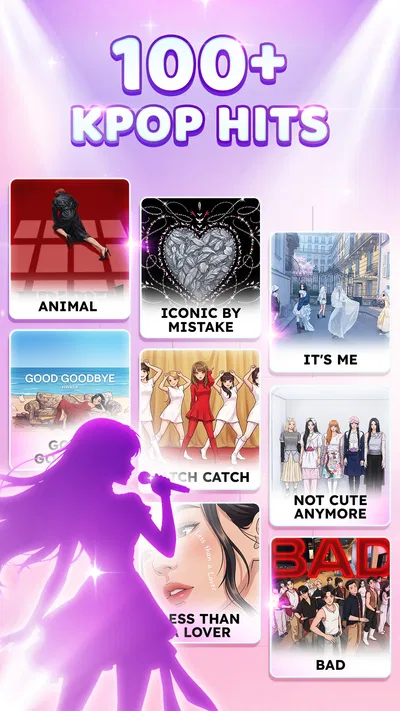
Compared with a conventional piano-learning app, this game is the lighter, more immediate choice. You can pick it up for a quick burst of tapping without making a practice plan, but you should not expect lessons or a path toward playing piano. Compared with broad rhythm games, its identity is specifically tied to K-pop piano-style play, which is a plus if that musical framing is what attracts you.
The trade-off is focus. Someone looking for a wide variety of music styles, detailed instrument practice, or a relaxed listening experience may be happier elsewhere. This is built around active participation: attention goes to the tiles and the timing, not simply to enjoying a track in the background. That makes it a better fit for a deliberate short session than for passive playback.
Its audience size suggests that many players have tried it: it has over 10 million installs, an average rating of 4.7 from around 494,000 ratings, and about 3,100 written reviews. Those figures are useful context, not a promise that every player will enjoy the same songs or find the timing comfortable. The game was released on August 30, 2023, and its current version is 5.10.0.
A practical verdict for everyday play
I can see this fitting into a small everyday gap: waiting for a friend, taking a break between tasks, or winding down with a few focused rounds at home. In that situation, I would choose a familiar song, silence distracting notifications if practical, and stop once the tapping starts to feel like work. That keeps the experience enjoyable instead of turning a casual game into another score to chase.
It is a good match for K-pop fans who like testing their timing and want a free-to-start game with a clear musical theme. It is less compelling for anyone who needs a teaching tool, dislikes touch-based reflex challenges, or wants an entirely purchase-free experience. The age rating is Everyone 10+, which is worth bearing in mind when choosing games for younger players.
Overall, I like the directness of the idea, provided expectations are in the right place. The most useful tip is to treat setup and surroundings as part of the session: hold the phone steadily, give the beat your attention, and troubleshoot only when the problem looks like a real device or app issue. If that sounds like the kind of quick K-pop rhythm challenge you want, Kpop Piano Beats is an easy one to try; if you want piano instruction or a broader music-game experience, I would look elsewhere.